PMS integration for hotel TV — check in, and the TV greets the right guest by name
ITVmax IPTV connects to your property management system (PMS): guest details appear on the in-room TV automatically and service requests from the TV flow back to the PMS. No manual typing at the front desk, no wrong rooms, no missing names.
- 1208Mr. Minh · VIchecked in
- 1209Ms. Tanaka · JAspa 20:00
- 1210Mr. Park · KOcheck-in
- 1211—vacant
The PMS reports check-in and the TV in room 1208 switches to a personal welcome for the guest in their language.
How does it work?
Front desk checks in on the PMS
The usual workflow, no extra steps. Guest name, room and language are already in the PMS.
ITVmax receives the data
The room number is mapped to the right TV — including rooms with several TVs.
The TV greets the guest
The guest turns on the TV and sees a personal welcome. At check-out the greeting is cleared.
Two-way sync between PMS and TV
PMS → TV
- Welcome screen with the guest's name
- Cleared at check-out, follows the guest on room moves
- Interface language from the guest profile
- Room status to coordinate front desk and housekeeping
TV → PMS
- Guests request services and housekeeping on the TV
- View the interim bill on the TV
- Requests are recorded in the PMS, fewer calls to the front desk
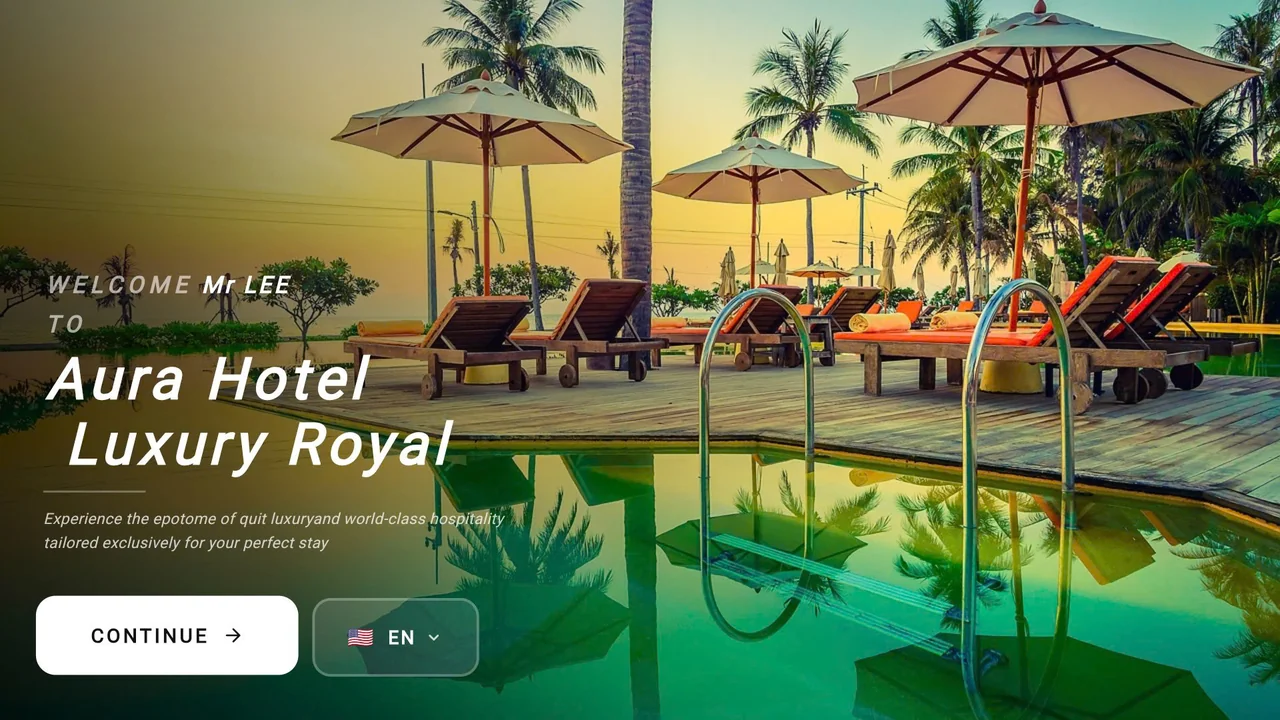
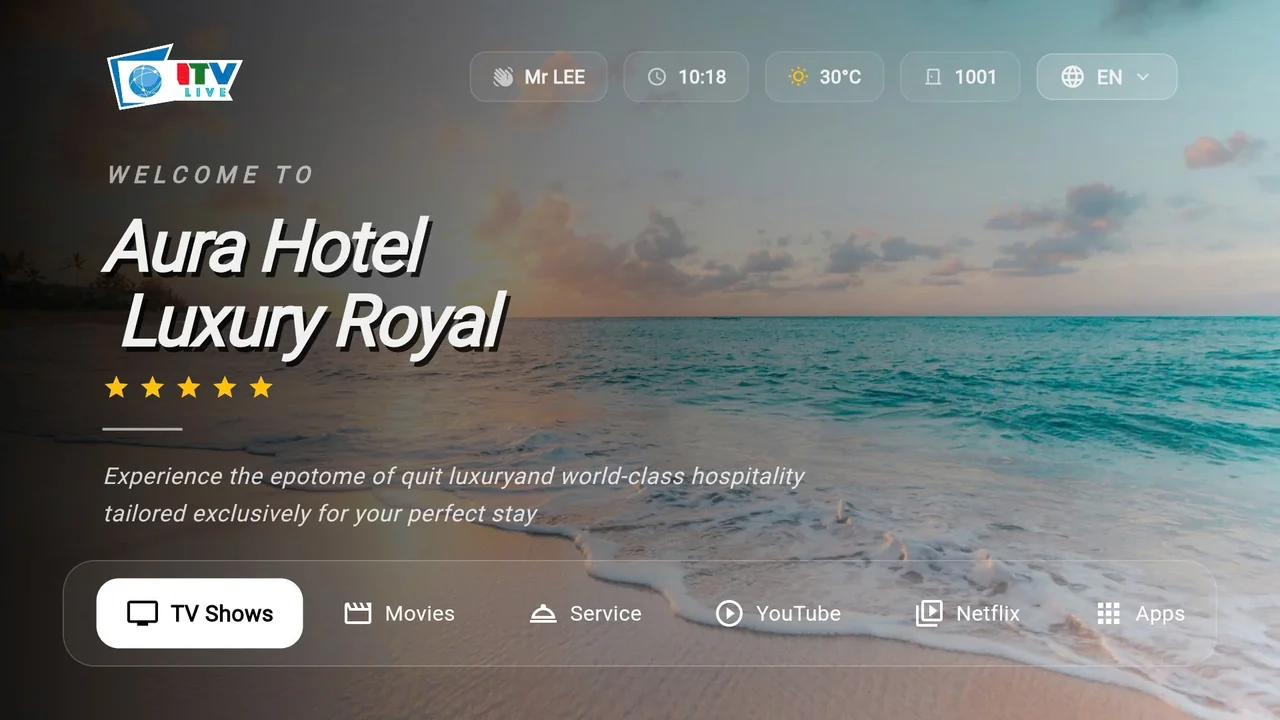
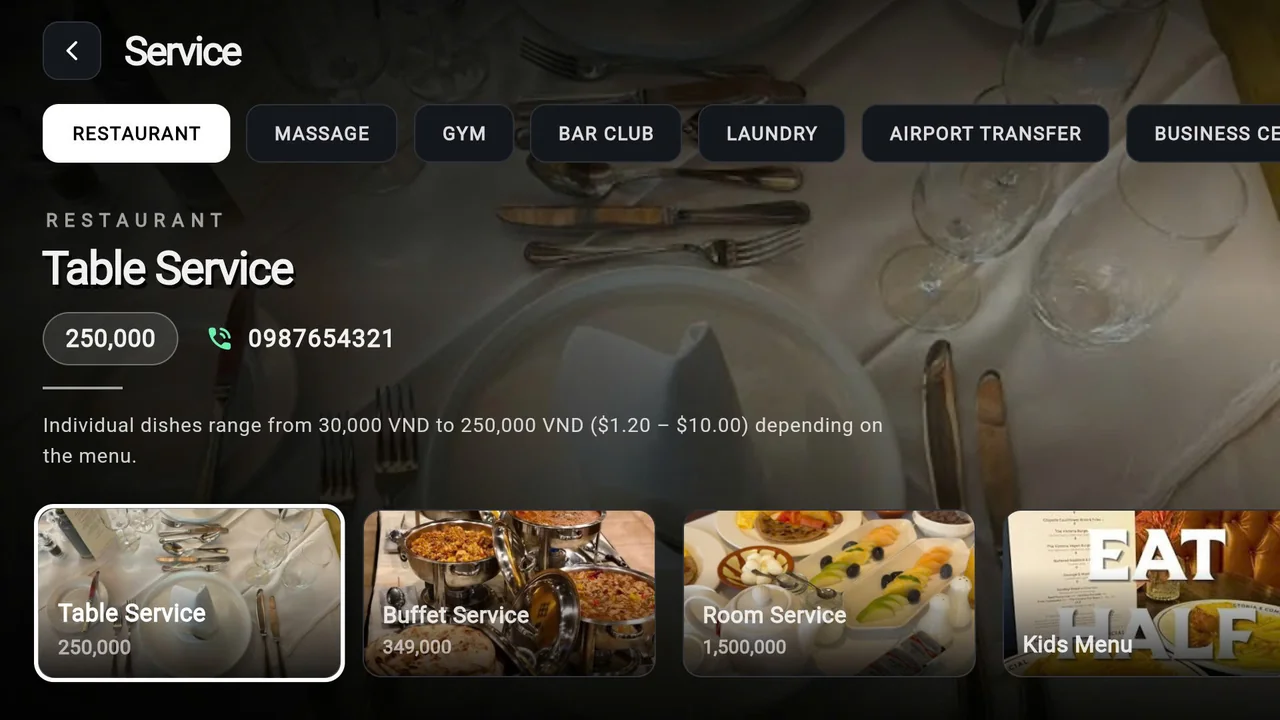
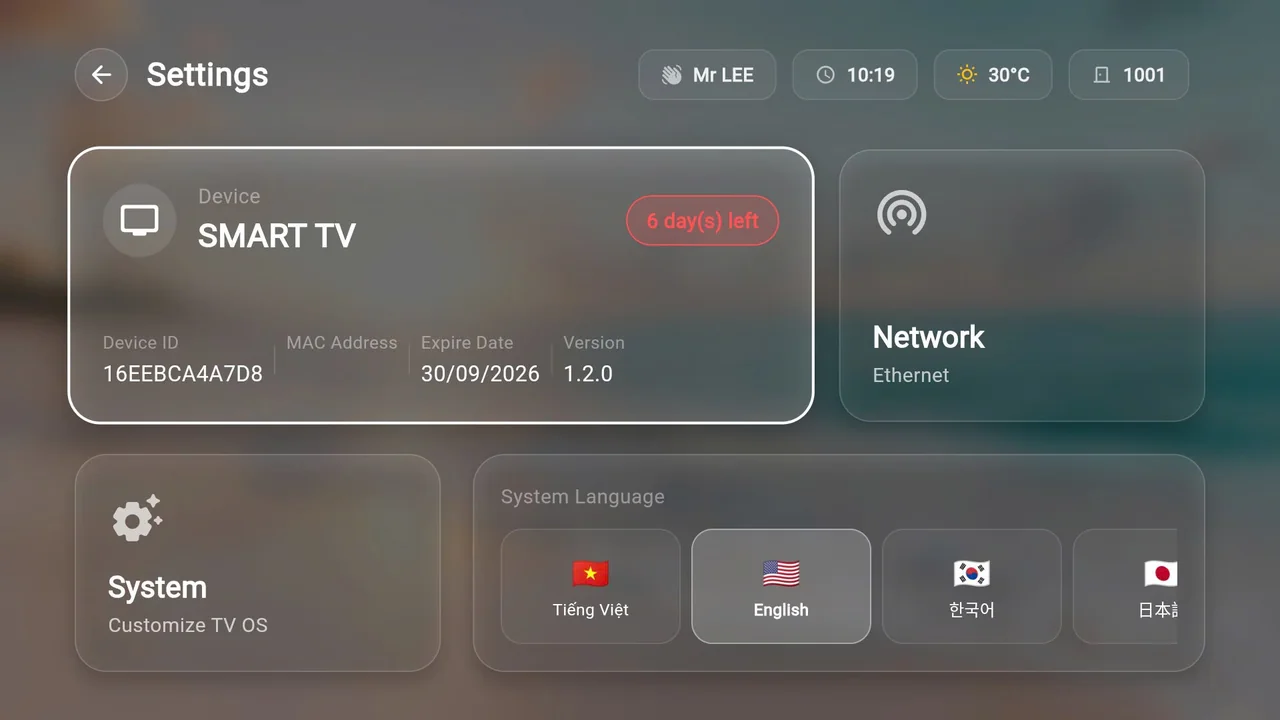
The ITVmax interface on a hotel TV
Screenshots of ITVmax hotel IPTV software running on TVs: guest-name welcome synced from the PMS, room number, weather, language and hotel services.
Which TVs, which PMS?
| Component | Supported |
|---|---|
| LG hotel TVs | LG Pro:Centric |
| Samsung hotel TVs | Samsung LYNK |
| Standard / older TVs | External Android box |
| Oracle Opera PMS / Opera Cloud | Via Oracle's interface |
| Local PMS | PMS with an API / third-party interface — surveyed before quoting |
Deployment process
- Survey the PMS in use, room count, TV count and any existing Hotel TV system.
- Agree the scope of two-way data sync in writing.
- Normalise room codes between the PMS and the TV system.
- Test in pilot rooms, including multi-TV rooms and room-move scenarios.
- Sign off and train front desk and hotel IT, then go live.
Frequently asked questions
Which PMS can connect to ITVmax IPTV?
Any PMS that offers a connection interface (API/interface) for third parties, commonly Oracle Opera and local Vietnamese PMS. ITVmax checks the PMS your hotel uses and confirms the scope before quoting.
Do we have to replace our TVs?
No. The system runs on LG Pro:Centric and Samsung LYNK hotel TVs, or on an Android box connected to a standard TV.
Is the guest name removed after check-out?
Yes. When the front desk checks the guest out in the PMS, the greeting is cleared so the room is ready for the next guest.
Tell us about your hotel
Share your room count, current TV models and PMS. An ITVmax engineer will reply during business hours (GMT+7) with next steps and a quote.
Prefer email? Write to sales@itvmax.org.